
ULTRA MotionBlur PLUGIN for DaVinci Resolve
-This Plugin works in the Free and in the Studio Version of DaVinci Resolve
-You also get lifetime updates and support for this Plugin
HOW TO USE?
- Just doubble click the DRFX file
- Open DaVinci Resolve
- Click on Install
- Go to Effects Libary (If you can’t see it: restart DaVinci Resolve)
- Search for CarVinci Ultra MotionBlur Plugin
- Drag and Drop on your clip
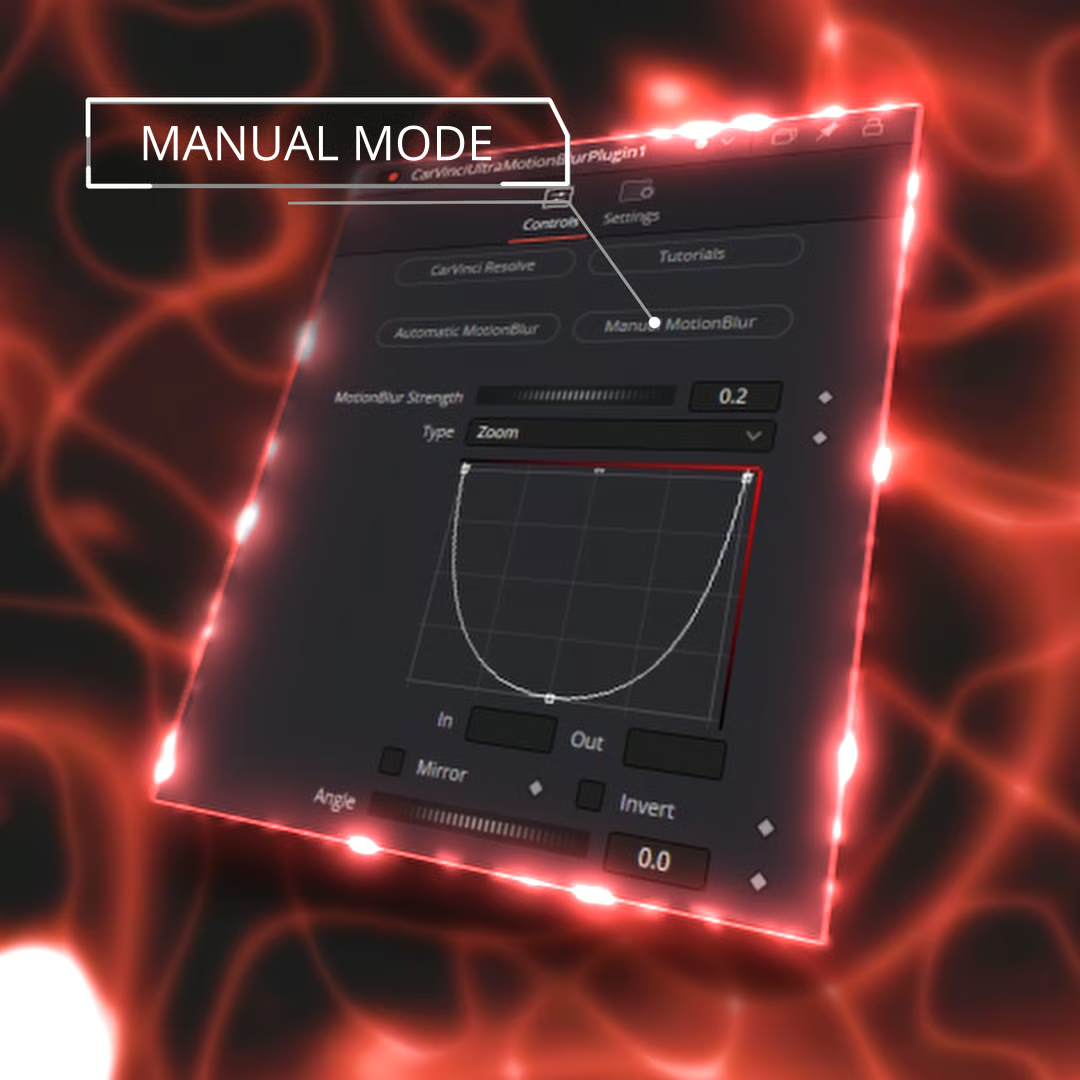
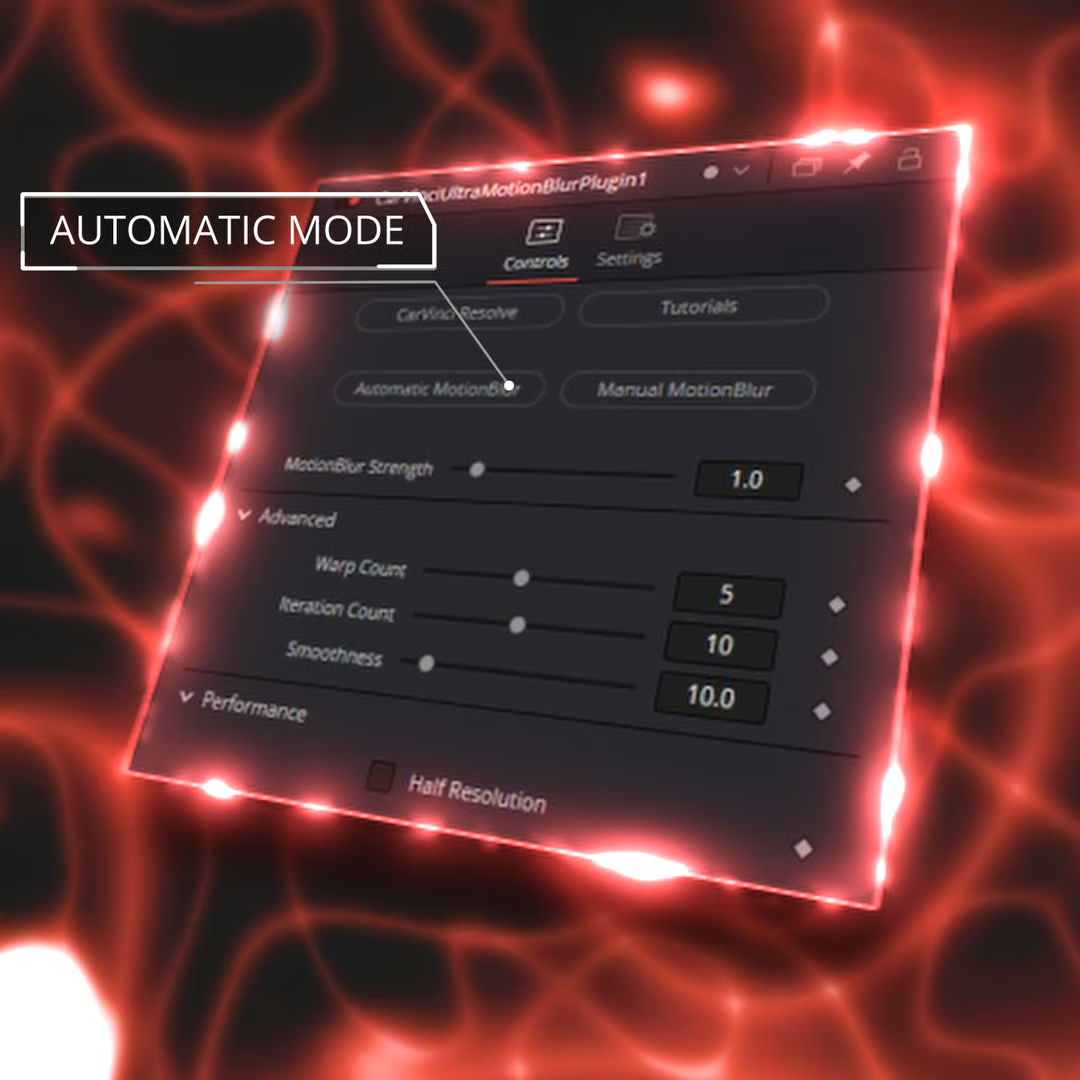
- Adjust the MotionBlur Strength
- adjust the Curve how you want
- Done!!!
Download Free:
DOWNLOAD VIP
Note!!! Sign up for VIP membership package and you will be able to download Link Google Drive.